Quick Answer
WeChat is China's most-used super app, and virtually essential for any foreigner visiting China. In English mode, the bottom navigation has four tabs: Chats, Contacts, Discover, and Me. The most common daily actions include: long-pressing a message and selecting Translate to translate it; tapping the + in the top right and choosing Scan to pay or add a friend; navigating to Me → Pay and Services → Money for payments; and browsing Moments and Channels on the Discover tab. Mini Programs can be found under Discover or by swiping down on the Chats screen.
Interface Navigation and Language Settings
The WeChat English interface has four bottom tabs, from left to right:
- Chats — All conversations, including individual and group chats
- Contacts — Your friends list, group chats, and Official Accounts
- Discover — Social features: Moments, Channels, Top Stories, Mini Programs, and more
- Me — Personal page: Favorites, Sticker Gallery, Pay and Services, Settings
To set English: Me → Settings → General → Language → English → Save. WeChat will restart and switch to English.
Adding Contacts
Two main ways to add friends:
- Scan QR code — Tap + in the top right → Scan → scan the person's personal QR code
- Search — Contacts → Add Contacts → enter phone number or WeChat ID
You can also view your own QR code in Me → Settings so others can scan and add you.
Chat and Message Translation
The chat interface supports several useful features:
- Message translation — Long-press any message, then select Translate from the popup menu. The message will be translated into your interface language (English). Note: the button is called Translate, not Translation.
- Voice to text — Long-press a voice message and select Convert to Text
- Share location — Tap + → Location → send your current or a selected location
- Send files — Tap + → Files → select a file from your phone
Scan Feature
WeChat's Scan feature is powerful. Tap + in the top right → Scan. Note: the button is called Scan, not Scan QR Code. Scan can:
- Pay — Scan a merchant's QR code to make a payment
- Add friends — Scan someone's personal QR code
- Open Mini Programs — Scan a Mini Program code
- Scan business cards — Recognize QR code business card information
Payments (Pay and Services)
WeChat Pay is one of WeChat's most important features. Navigate: Me → Pay and Services → Money. Note: the button is called Pay and Services, not Payment Center or Pay & Receive. Inside Money, you'll see:
- Wallet — Account balance
- Bank Cards — Card management, at Pay and Services → Wallet → Bank Cards
- Transfer — Send money to friends
- Scan — Scan to pay
Moments and Social Features
The Discover tab includes several social features:
- Moments — A social feed where you can view friends' posts, and share photos, text, and short videos
- Channels — Short video platform for watching and sharing video content
- Top Stories — System-recommended trending articles and news
- Shake — Shake your phone to randomly connect with other users
- People Nearby — Find nearby users (note: this reveals your location)
Mini Programs
Mini Programs are lightweight apps that run within WeChat — no download or installation required:
- Via Discover — Discover → Mini Programs, showing recently used and recommended programs
- Swipe down — On the Chats page, swipe down from the top to see recently used Mini Programs
- Search — Tap + → search bar → search by Mini Program name
Favorites and Stickers
- Favorites — Me → Favorites, saved messages, links, files, and voice notes for easy retrieval
- Sticker Gallery — Me → Sticker Gallery, download and manage sticker packs. Note: it's called Sticker Gallery, not Stickers
Group Chat Features
Common group chat settings:
- Group Name — Edit the group name in group chat settings
- Group Notice — Group owners can post announcements visible to all members
Practical Tips
- Translation is good for quick understanding — Chat translation is convenient but quality depends on WeChat's engine. For important conversations, use a dedicated translation app for verification.
- Link your card before paying — Foreigners must first link an international credit card (Visa, Mastercard, JCB, American Express) at Pay and Services → Wallet → Bank Cards before scanning to pay.
- Save memory with Mini Programs — Use Mini Programs instead of downloading standalone apps. For example, use the DiDi Mini Program for ride-hailing or the Meituan Mini Program for food delivery.
- Build a Favorites habit — Long-press important messages or links and select Save to Favorites for easy retrieval later.
- Privacy — People Nearby and Shake reveal your location. Avoid using these features or disable location permissions afterward.
- Network dependency — All WeChat features require an internet connection. Ensure you have stable data or Wi-Fi. A local SIM card or eSIM is recommended.
The following are the author's personal QR codes (not merchant codes), with a fixed amount of ¥10.00 set for testing whether your card binding was successful.

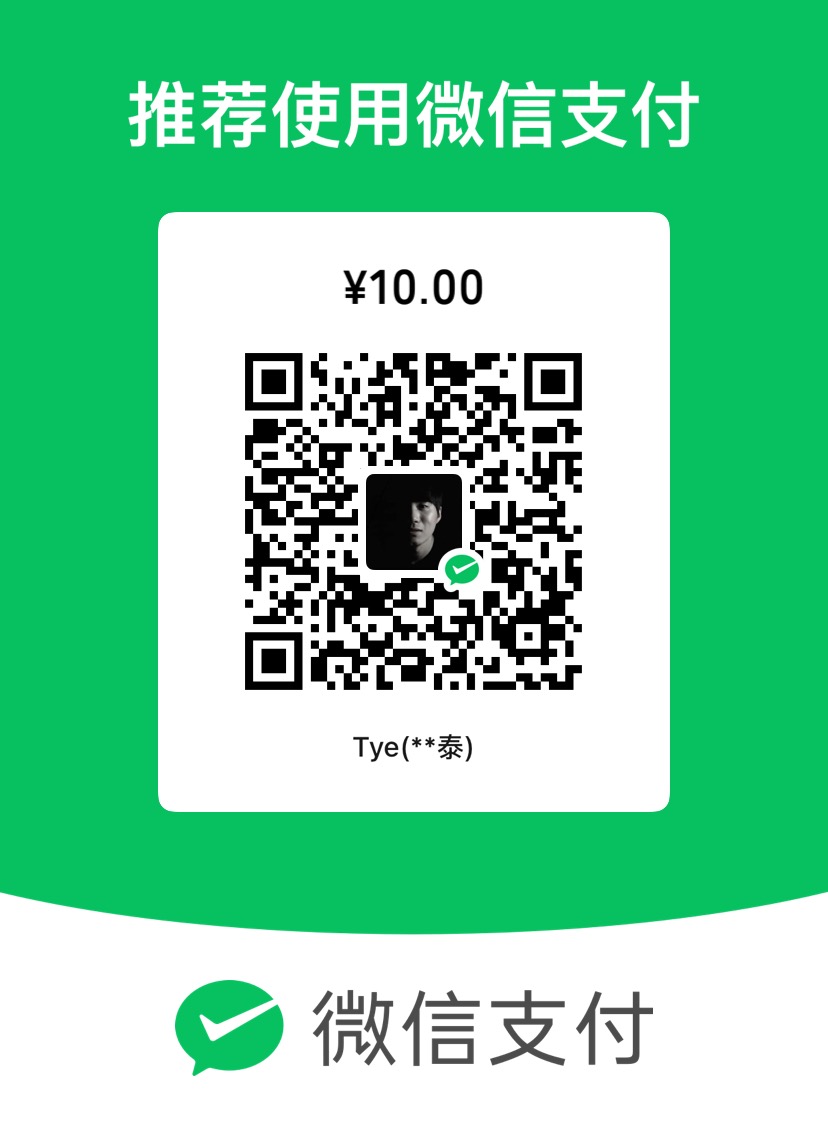
About Personal QR Codes: This website is maintained by an individual. The QR codes are for personal daily use, not merchant codes. Since personal QR codes may not be able to accept international credit card payments, the transaction may fail. However, this does not mean your card binding failed — the fact that you reached the payment page itself confirms that your binding was successful.
About the Amount: Please do not modify the preset amount. This is simply a payment test. If the payment goes through, consider it as buying me a coffee. The fixed amount is set to avoid any inconvenience caused by accidentally entering the wrong amount.
Important: The primary purpose of these codes is to help you verify whether your registration and card binding were successful, not to generate profit. If you're not comfortable, feel free to skip this step.